
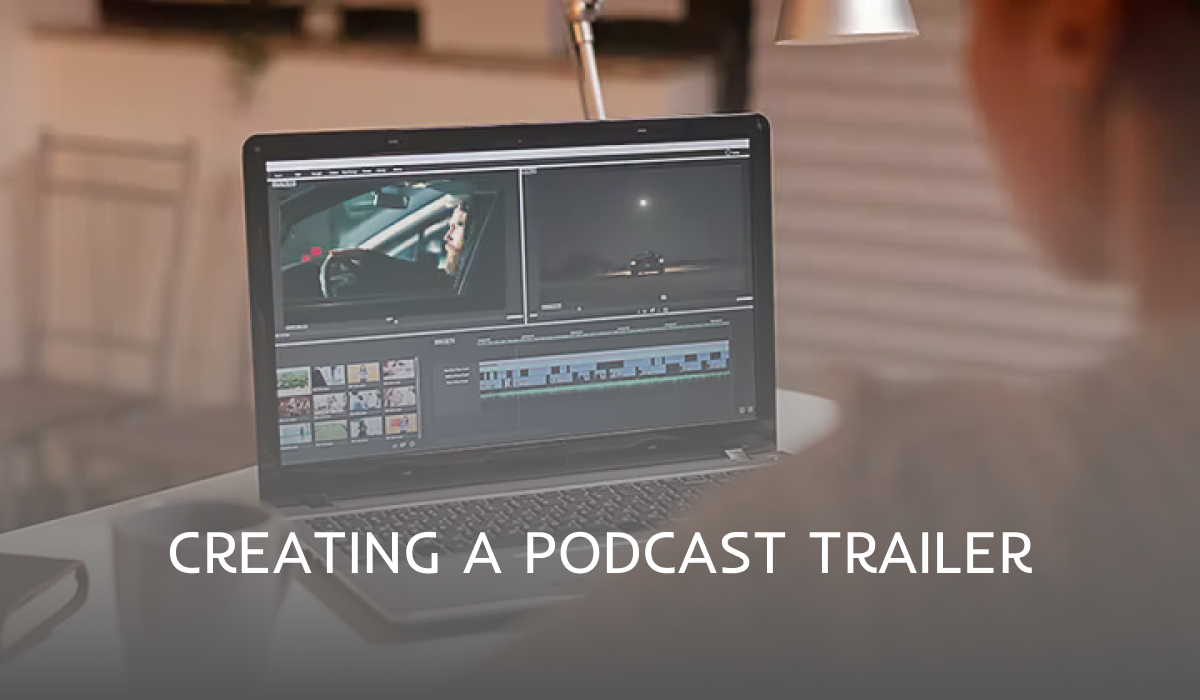
A podcast trailer is a short audio (or video) clip, usually 30 seconds to 2 minutes long, that tells new listeners what your show is about and why they should follow it. A great trailer opens with a hook, introduces the host, explains the show’s promise, plays a quick sample, and ends with a clear call to action. Here is a beginner-friendly, step-by-step guide to creating a podcast trailer in 2026, plus a simple script template you can copy.
Why your podcast needs a trailer
- It’s your first impression. Many people decide whether to follow a show within the first minute.
- It lets you launch before episode one. Publishing a trailer early gets your show listed on Spotify, Apple Podcasts and YouTube so people can follow before launch day.
- It’s easy to share. A short trailer is perfect for social media, your website and email newsletters.
- Apps feature it. Apple Podcasts and other apps can display an episode marked as a “trailer” at the top of your show page.
How long should a podcast trailer be?
Aim for 30 seconds to 2 minutes. Around 60 to 90 seconds is the sweet spot for most shows: long enough to explain your podcast, short enough to keep attention.How to create a podcast trailer: step by step
1. Start with a strong hook
Open with something that grabs attention in the first five seconds: a bold statement, a surprising fact, a question your listener is asking, or an exciting clip from an episode.2. Introduce yourself
Say who you are and why you are the right person to host this show. Keep it to one or two sentences. If you have co-hosts, introduce them quickly too.3. Explain what the show is about
State your podcast’s topic and who it is for in plain language. For example: “This is a weekly show for new podcasters who want to grow their audience without a big budget.”4. Show what makes you different
Tell listeners why your show is worth their time. It could be your experience, your format, your sense of humour, or the guests you bring on.5. Play a short sneak peek
Include a 10 to 20 second clip from an upcoming episode or interview. Hearing the real show builds trust and curiosity.6. Set expectations
Share how often new episodes come out, how long they are, and when you launch. For example: “New 25-minute episodes every Tuesday, starting 5 May.”7. End with a clear call to action
Ask for one specific action: “Follow the show on Spotify, Apple Podcasts or YouTube so you never miss an episode.” One clear request works better than several.8. Add music and sound design
Use royalty-free or licensed music that matches your show’s tone. Keep it quieter than your voice and use it to open and close the trailer.9. Edit and polish
Cut filler words and long pauses, keep volume levels consistent, and listen back on headphones and a phone speaker before publishing. Your trailer should sound as good as your best episode.10. Publish it as a trailer episode
Upload the trailer to your podcast host and set the episode type to “Trailer” if your host offers this option. This tells Apple Podcasts and other apps to feature it on your show page.Podcast trailer script template
- Hook (5 to 10 seconds): “Ever wondered why some podcasts grow fast while others never take off?”
- Host intro (10 seconds): “I’m [name], and I’ve spent [X years] helping [audience] do [result].”
- Show promise (15 seconds): “On [show name], we break down [topic] into simple steps you can use straight away.”
- Sneak peek (15 to 20 seconds): play a short clip from an episode or interview.
- Schedule (5 to 10 seconds): “New episodes every [day].”
- Call to action (5 to 10 seconds): “Hit follow now so you don’t miss the first episode.”
Common podcast trailer mistakes to avoid
- Making it too long or starting with a slow introduction.
- Being vague about what the show is actually about.
- Using music you don’t have the rights to use.
- Poor audio quality that doesn’t match your real episodes.
- Forgetting the call to action.
- Never updating the trailer as your show evolves.
How to promote your podcast trailer
- Turn it into a short video with captions and an audio waveform for Instagram, TikTok, YouTube Shorts and LinkedIn.
- Embed it on your website and podcast landing page.
- Send it to your email list and ask friends to share it.
- Pin it to the top of your social profiles before launch.