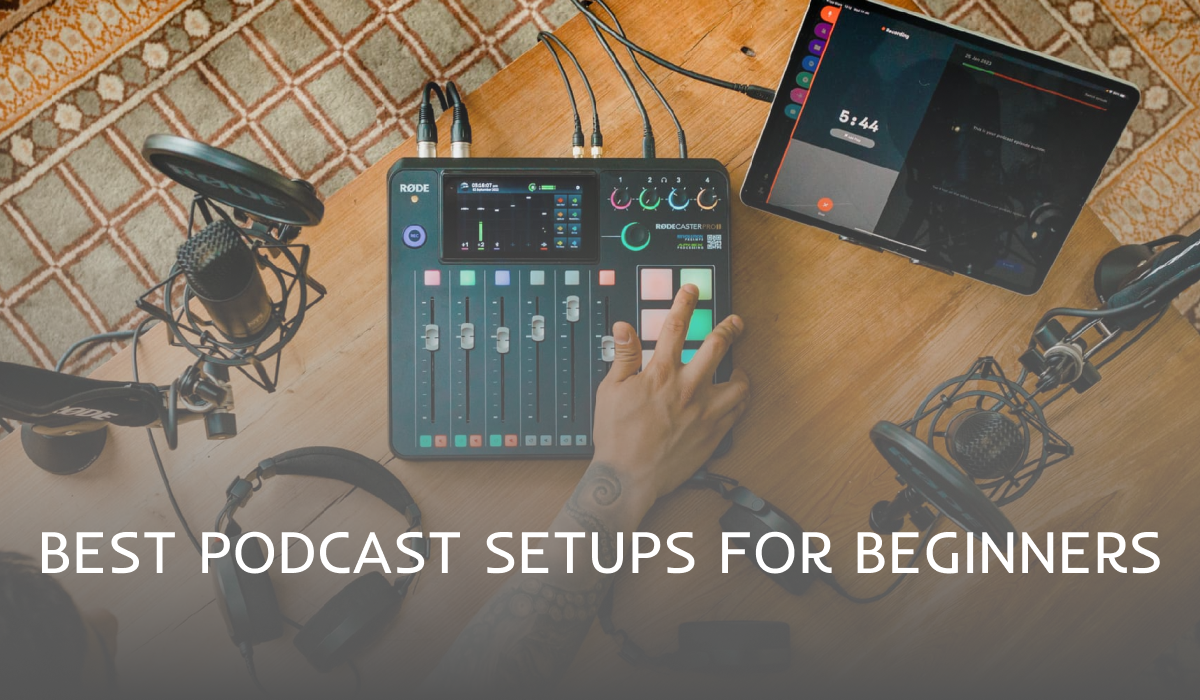
The best podcast setup for beginners in 2026 is simple: a dynamic USB microphone, closed-back headphones, a mic stand or boom arm, a pop filter, free recording software and a quiet room. You can build a great-sounding starter setup for around $100 to $200, and upgrade later as your show grows. Below are three ready-made setups for different budgets, plus the essentials explained.
Essential podcast equipment for beginners
1. Microphone
Your microphone matters most. For home recording, choose a dynamic USB microphone, because it picks up your voice and rejects much of the room noise. Look for one with both USB and XLR outputs so you can upgrade later. Beginner favourites include the Samson Q2U and Audio-Technica ATR2100x-USB.2. Headphones
Closed-back headphones let you hear exactly what you’re recording without sound leaking back into the microphone. Any comfortable, wired, closed-back pair is a good start.3. Pop filter or foam windscreen
A pop filter or foam cover reduces harsh “p” and “b” sounds (plosives) and breath noise. It is one of the cheapest upgrades with a big impact.4. Boom arm or desk stand
A stand keeps the mic at the right distance and stops handling noise. A boom arm is more flexible and lets you position the mic close to your mouth comfortably.5. A quiet, soft room
Room sound is often more important than gear. Record in a small room with curtains, rugs, cushions or a wardrobe full of clothes to soak up echo. Acoustic panels are helpful but optional at the start.6. Recording and editing software
- Audacity (free, Windows/Mac/Linux): simple and powerful.
- GarageBand (free, Mac and iPhone): beginner-friendly.
- Descript: edit audio and video by editing a text transcript.
- Adobe Audition or Reaper: more advanced options as you grow.
7. Remote recording tool
If you interview guests online, use a dedicated remote recording platform such as Riverside or Zencastr. They record each person locally for much better quality than a standard video call.8. Podcast hosting
A podcast host stores your episodes and sends them to Spotify, Apple Podcasts, YouTube and other apps. Popular options include Buzzsprout, Podbean, Libsyn, RSS.com and Spotify for Creators (formerly Anchor).3 beginner podcast setups by budget
Budget setup (around $100)
- Dynamic USB mic such as the Samson Q2U or FIFINE K669B
- Basic closed-back headphones
- Foam windscreen and desk stand
- Free software: Audacity or GarageBand
Mid-range setup (around $200 to $350)
- Audio-Technica ATR2100x-USB or Rode PodMic USB
- Comfortable closed-back studio headphones
- Boom arm and pop filter
- Descript or Audacity for editing
Upgrade setup (around $500+)
- Shure MV7+ or an XLR mic such as the Shure SM7B with an audio interface
- Quality studio headphones
- Sturdy boom arm and a few acoustic panels
- Remote recording platform for guests and a camera for video podcasting
Should you start a video podcast?
In 2026, many listeners discover podcasts on YouTube and Spotify video. You don’t need video to start, but if you want to try it, a webcam or smartphone, soft lighting from a window or a small LED light, and a tidy background are enough to begin.Beginner setup tips
- Keep the mic 5 to 10 cm (2 to 4 inches) from your mouth.
- Set levels so your voice peaks around -12 dB to -6 dB.
- Always wear headphones while recording.
- Record a short test before every session.
- Back up your raw recordings straight away.